
VOD Console - Media Agent
Media Agent takes video material and production instructions, then performs scene selection, editing, voice and subtitle processing, and rendering. The API features and the execution flow are organized in Media AI Agent Overview.
Video production
In the VOD console, go to Media Agent → AI Video Creation to select material and enter the production conditions.
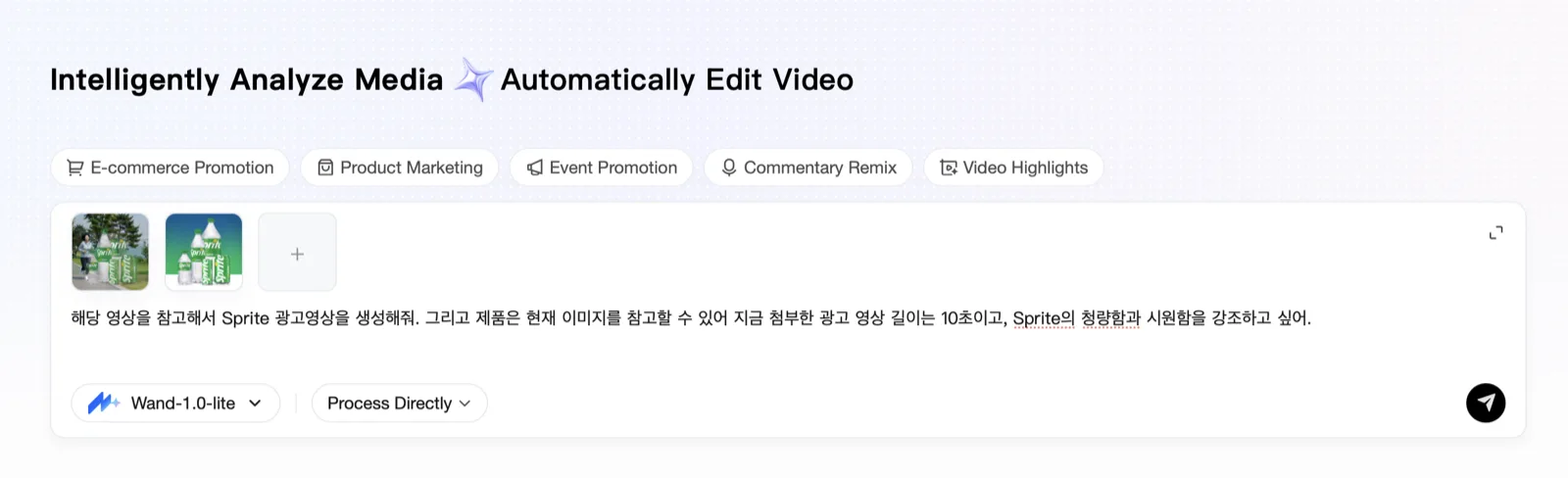
Production modes
| Mode | Voice handling | Main settings |
|---|---|---|
| Keep the original voice | Keep everything / keep vocals after removing the BGM | Range selection, order and length, subtitles |
| Narration | Remove the original voice / TTS synthesis | A user-supplied or generated script, per-sentence screen composition |
Common settings
| Item | Setting |
|---|---|
| Subtitles | Not inserted / inserted, font size and outline |
| Background music | None / upload / generate |
| Screen | Landscape / portrait |
| Length | Automatic / user-specified |
For the input composition and production instruction examples, see Video Creation. API integration can be found in API Reference.