
Step 1. Login and API Key Issuance
Log in with a Tencent Cloud International account and prepare the keys needed for MPS·VOD API signing. The Bearer Token for text models is issued separately from this account key.
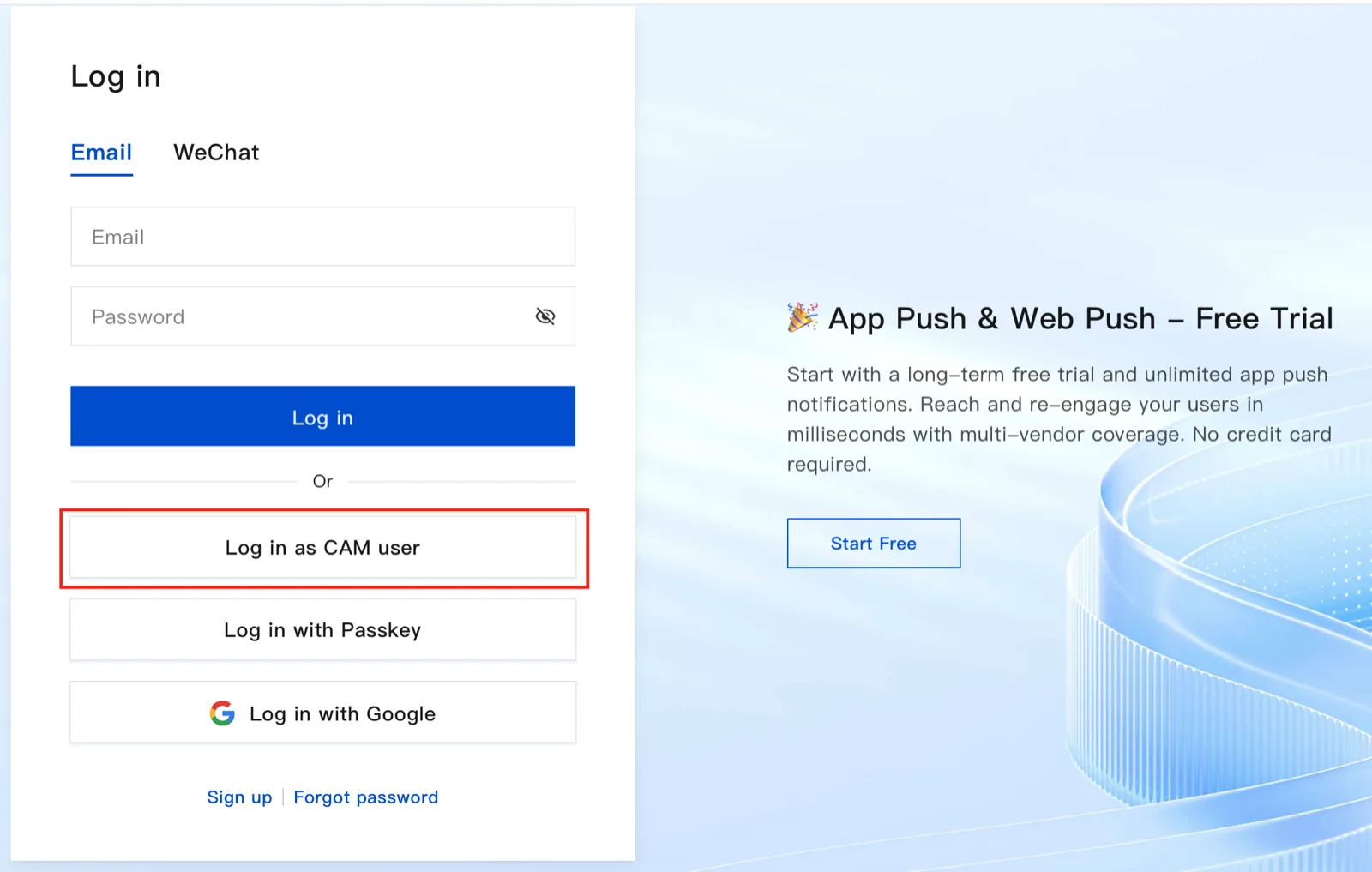
Selecting a Login Method
Log in to Tencent Cloud. For a sub-account issued under a root account, select CAM User. If you do not have an account, complete sign-up and identity verification first.
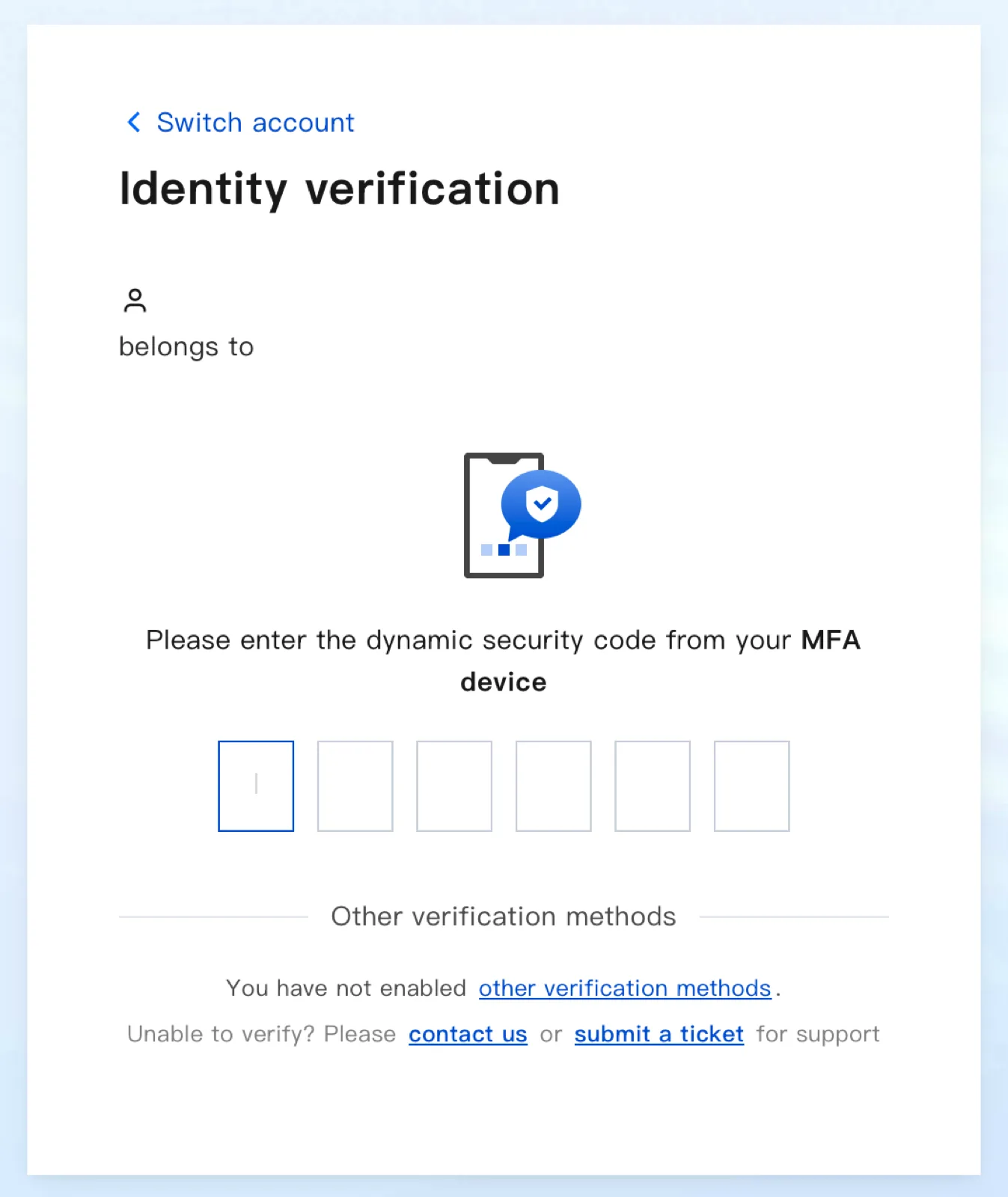
Two-Factor Authentication
Authenticate with the verification method configured for the account. Below is the screen that uses Google Authenticator.
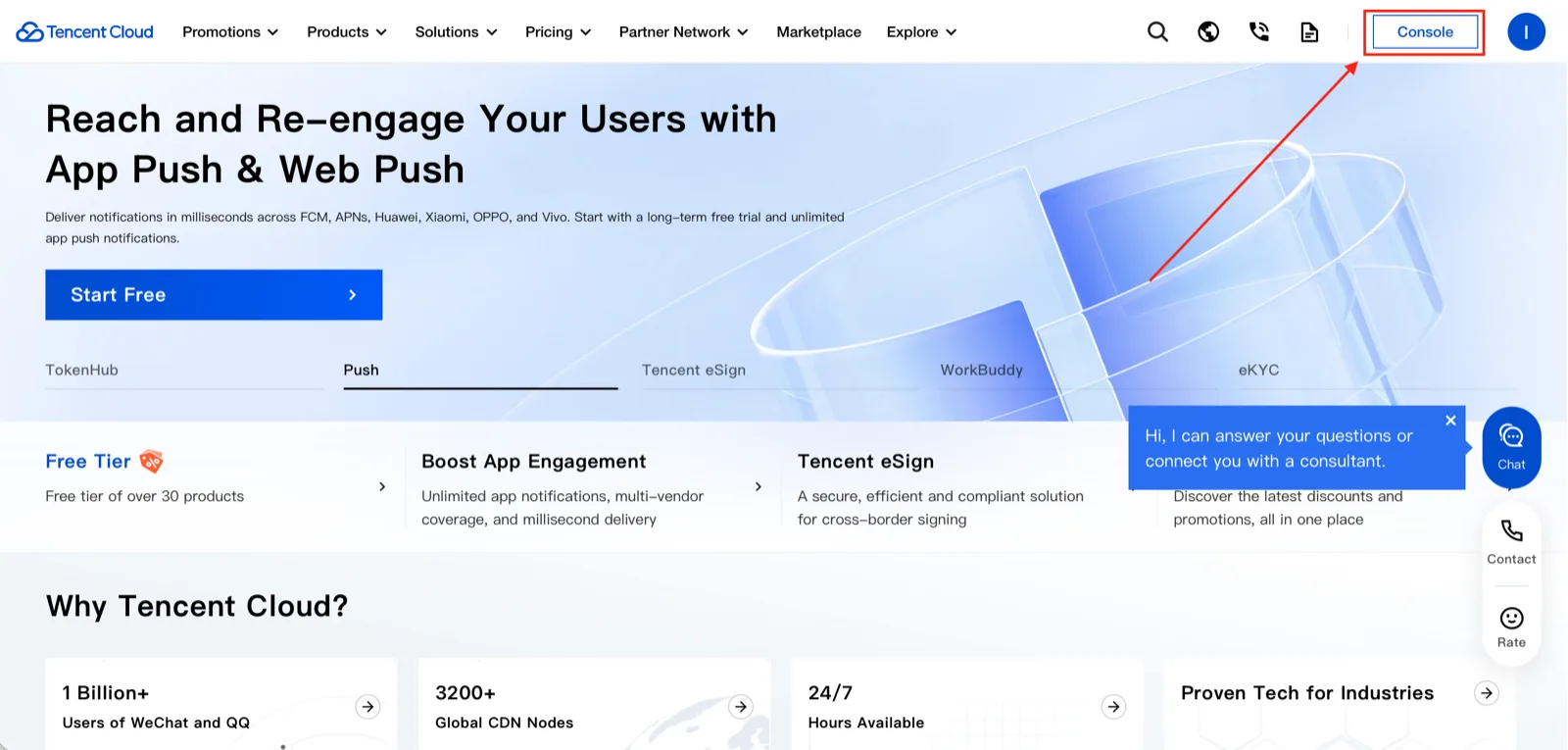
Accessing the Console
After logging in, select Console in the upper right.
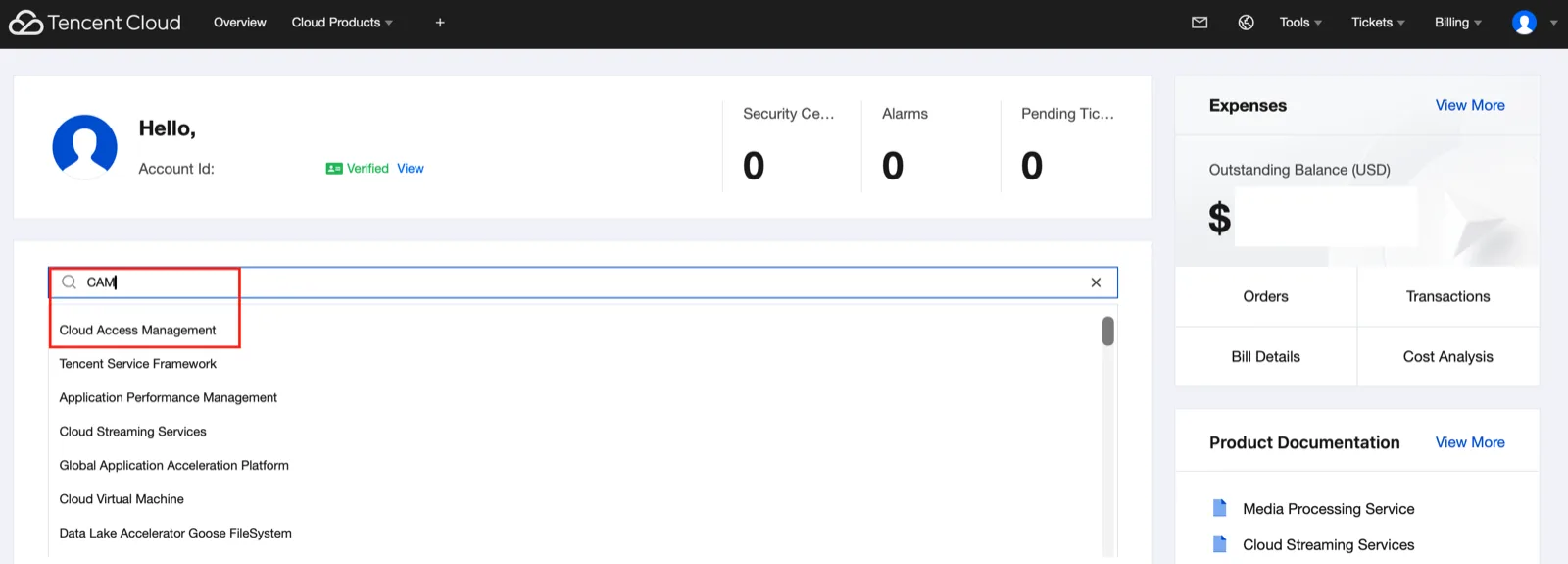
Opening API Keys in CAM
In the console search, select Cloud Access Management and go to Access Key → API Keys.
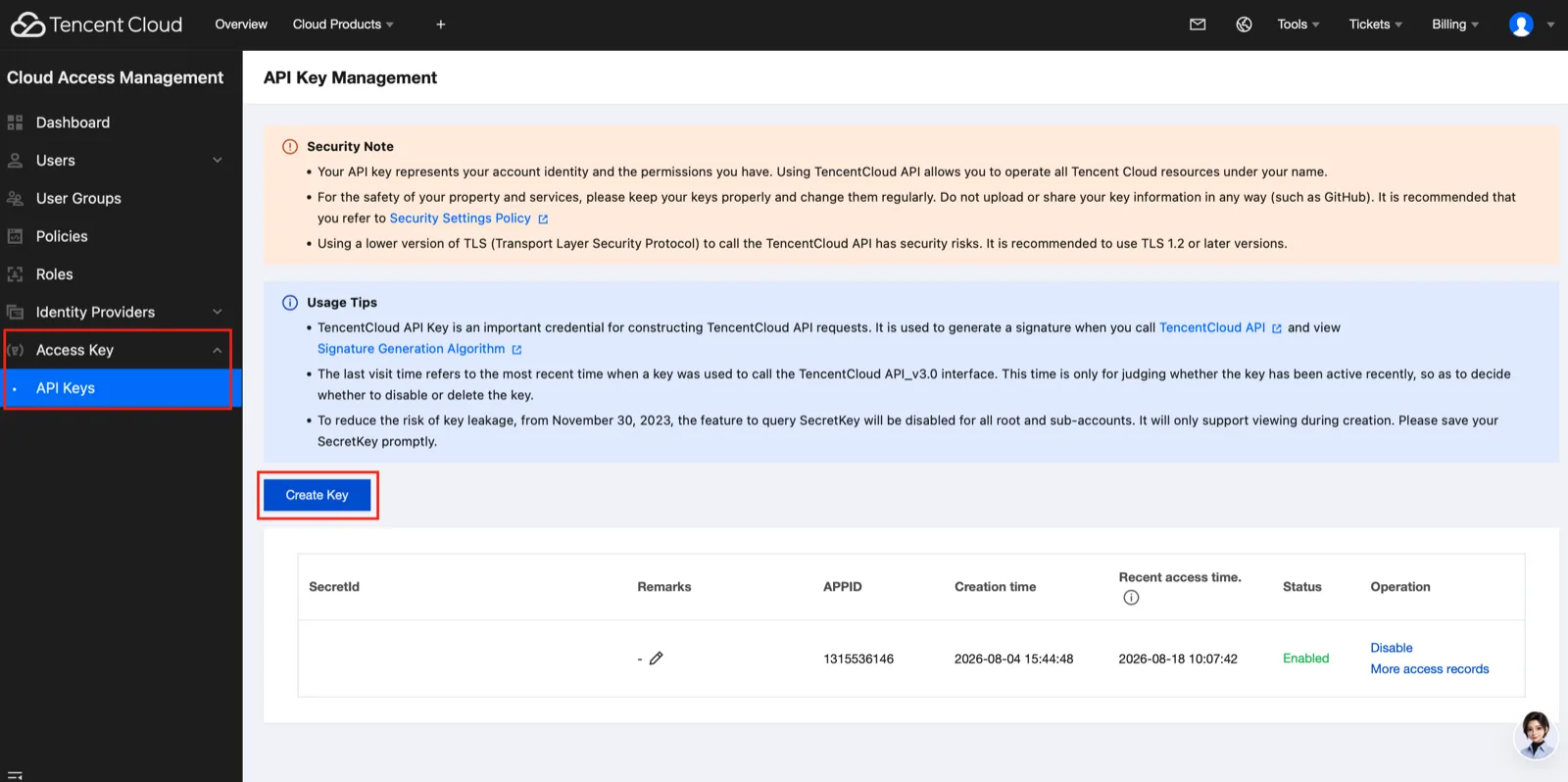
Issuing SecretId and SecretKey
Select Create Key and store the keys securely. The key permissions follow the policies granted to that CAM user. Do not put the SecretKey in source code or public documents.
Next Steps
Step 2. Activate the services to be used in the VOD / MPS basic settings, and register the issued keys in Environment Variable Settings.